Connection designer
Take control of your entire connection design workflow
CHOOSE HOW YOU START
Save time and reduce manual effort in your connection design workflow, allowing you to focus on the creative aspects of your projects. Start with the intuitive Design Wizard and Connection Library or import directly from 3D CAD models using Checkbot.
- Utilize the step-by-step design Wizard for quick and easy setup
- Access and save preconfigured real-life connection designs in our vast Connection Library
- Import geometry, materials, and loads from your CAD models without the need to remodel
- Ensure accurate connection design with our FEA and CAD integrations

MODEL YOUR CONNECTIONS
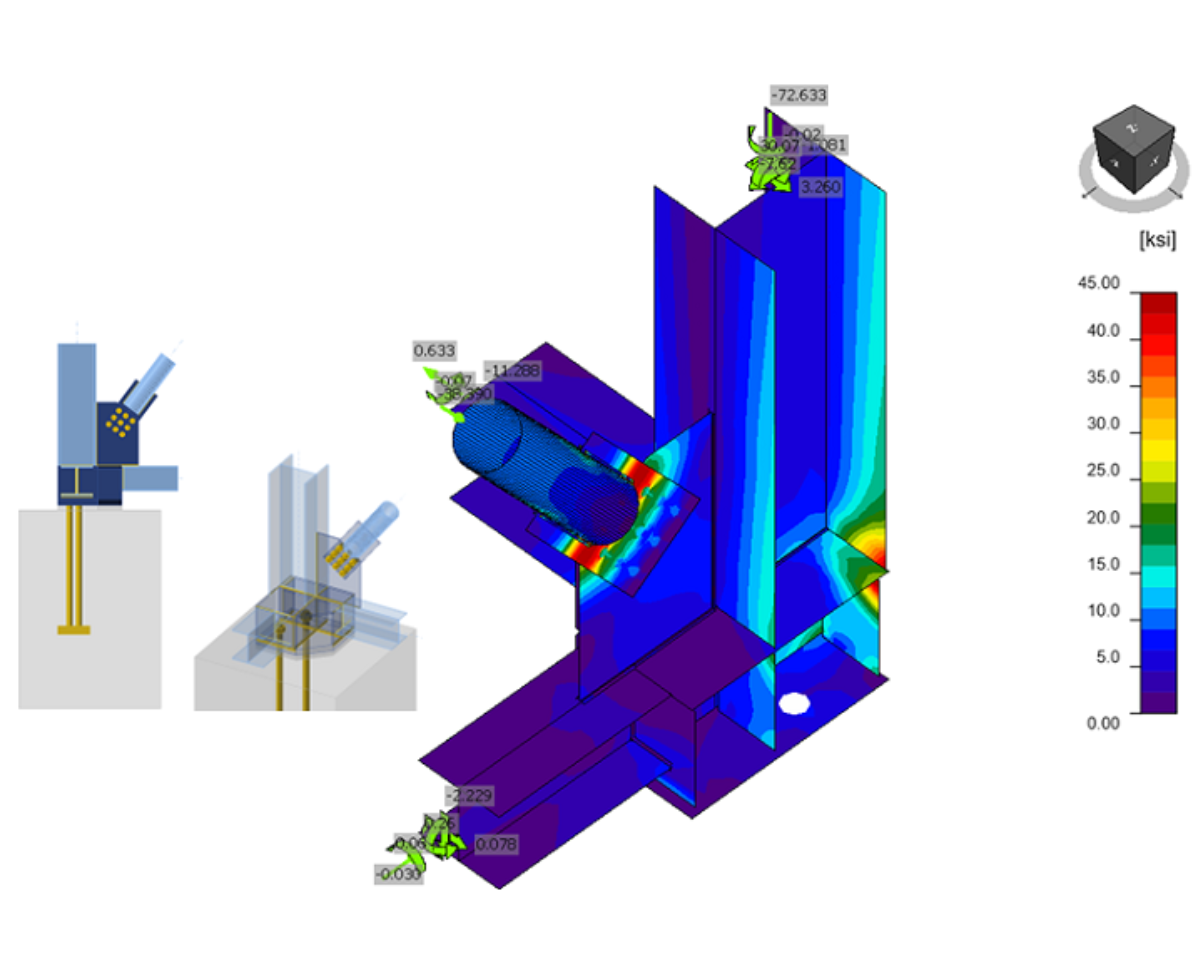
Design connections of any geometry and loading and analyze their behavior with CBFEM to ensure their strength, serviceability, and compliance.
- Customize your connections using a wide range of components
- Visualize real-time impacts on structural performance as you make changes
- Stay code-compliant with automated checks
- Synchronize and manage design elements effortlessly using Checkbot
SHARE YOUR OUTPUTS EASILY
Save time and improve communication by providing detailed design outputs instead of "red marks on PDFs" to ensure clarity and reduce errors. Share connections in their original positions, provide detailed documentation, and enable real-time feedback through Viewer.
- Export connections in their original positions for verification
- Manage multiple connections across large projects using Checkbot
- Provide detailers with comprehensive reports, sketches, and IFCs
- Enable checking engineers to review and approve designs online in 3D using the free Viewer app


TRY IDEA STATICA FOR FREE
- Experience all features, the User Portal, and workflows
- Receive support from our product engineers
- Learn through training and free tutorials